• 1 Post
  • 32 Comments
Joined 1 year ago
cake
Cake day: June 25th, 2025

help-circle
  • I literally helped my brother boot into a vm from an actual windows install drive with virt manager, without even copying the disk into an image, just a couple of weeks ago. Some features might not work like 3d acceleration and such but the vm boots, you can login, access the desktop and go about whatever you need to do. AFAIK a VM emulates standard compliant hardware that windows should always be able to boot into, otherwise even just the installation iso would fail to boot.


  • The CPU is alright and the RAM should be sufficient for most tasks.

    There are a couple of things that could impact performance here, first the SSD could be on its way out, or slow to begin with, so maybe post some info on that.

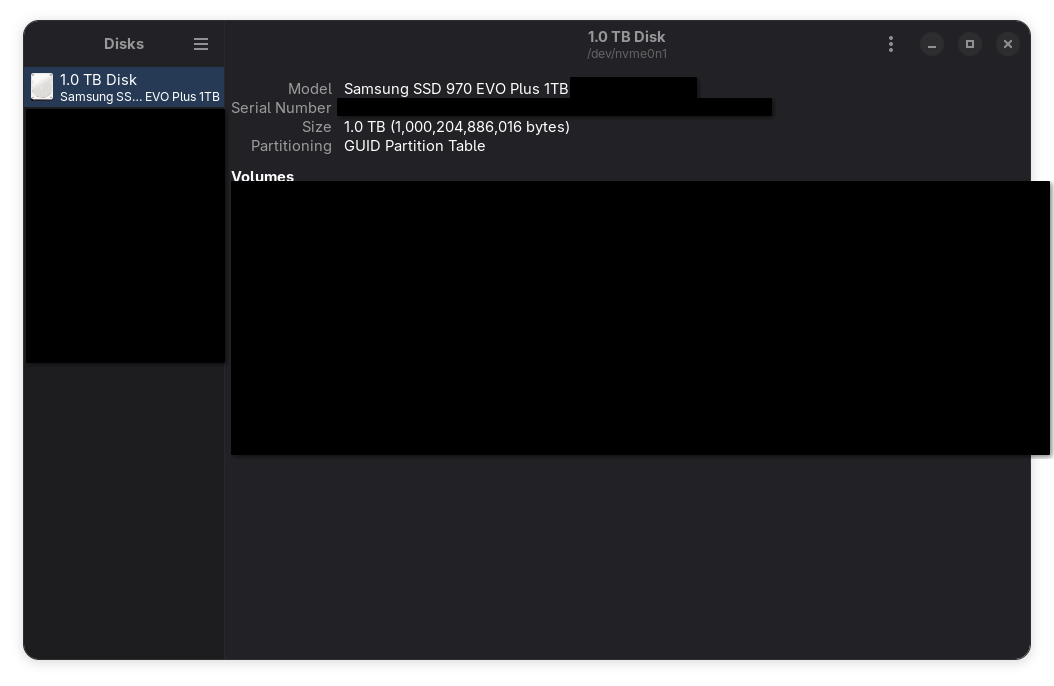
    You can use gnome disks to get more information on your ssd, here’s a screenshot on my system, with some information obscured. The model name should be enough.

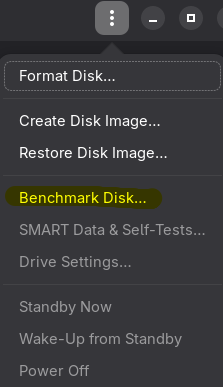
    You can benchmark the SSD using either gnome disks again, as shown here:

    Or alternatively you can use KDiskMark. Give us some numbers, maybe it’s gonna be as simple as replacing your SSD.

    Another thing that could make your system feel sluggish, since you lament little freezes happening, is Plasma itself. I know what I said about desktop environment havyness, and I still stand by it: it’s not that Plasma is “heavier” or anything like that, it’s just that some of its code is not very well optimized and with slower drives it can show. Brodie Robertson made a video about this a couple of years ago, see if what he describes matches your problem, but consider that this is old information at this point and while some of these issues might still exist, they might have already been fixed.


  • I have mid computers from 2010 running that take far less than 2 seconds to open a browser, I think there’s either some missing driver for your hardware or something wrong with your hardware in the first place. Please post your exact specs so that we can try giving you better advice.

    Also worth noting that for modern-ish computers the desktop environment is the least offender when it comes to resource consumption. Any modern browser will use roughly at least 2x memory compared to the desktop environment.


  • gabmus@retrolemmy.comtoLinux@lemmy.mlmac or linux
    link
    fedilink
    arrow-up
    13
    ·
    21 days ago

    just use what works for you? 14h battery life is gonna happen when we have proper arm laptops with good linux support, in the meantime you have to compromise. I think there are some arm laptops that are usable on linux, but it’s gonna be a science project not a stable workhorse machine


  • This reads like quite a different workflow, but AFAIK the standard in both x and wayland for inserting special characters is using a compose key. You can set up a key as the compose key in the keyboard settings of any de/wm/compositor (right alt in my case) and use it in a key sequence to assemble special characters. I use it all the time to type italian accent characters on a us keyboard and it’s always dependable and quite intuitive even for characters I don’t regularly use.

    Some examples:

    • compose a "ä
    • compose e 'é
    • compose c ,ç
    • compose o o°
    • compose - >

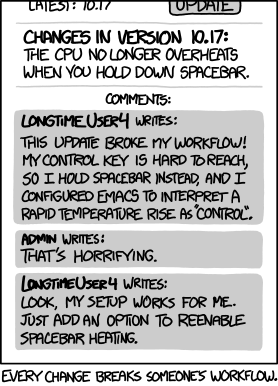
    I’m not saying your use case is invalid, but it falls well into unsupported territory I feel like, and reminds me of this.

    xkcd 1172 - "Workflow"

    This said, there must be a way for an application to simulate input, that’s what virtual keyboards do, including steam’s virtual keyboard which is not integrated in the desktop environment, so your workflow can likely be replicated. You might need to spend some time finding the right tool for it, or possibly creating your own, but wayland and plasma wayland in particular have all the bits in place to make this happen.